
How To
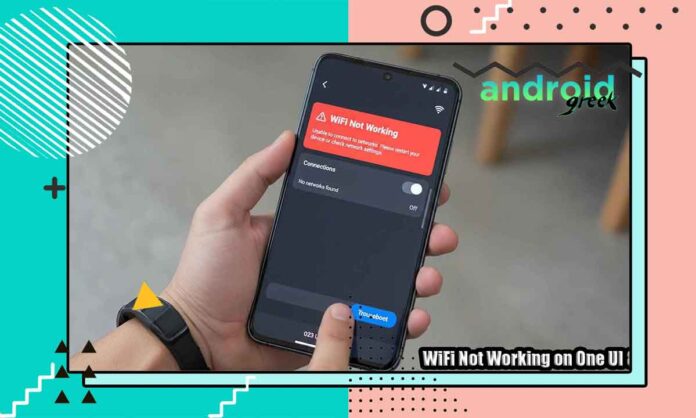
WiFi Not Working on One UI 8 — Definitive Guide to Fix All Connectivity Issues
In This Guide WiFi Not Working on One UI 8 — Definitive Guide to Fix All Connectivity Issues.With the release of Samsung's One UI...
How to Hide the Swipe Back Gesture Icon on Samsung Without Root (Complete Guide)
Gesture navigation in Samsung’s One UI is very good, however, the constant swipe-back gesture icon—the small circular arrow that appears when you swipe from...
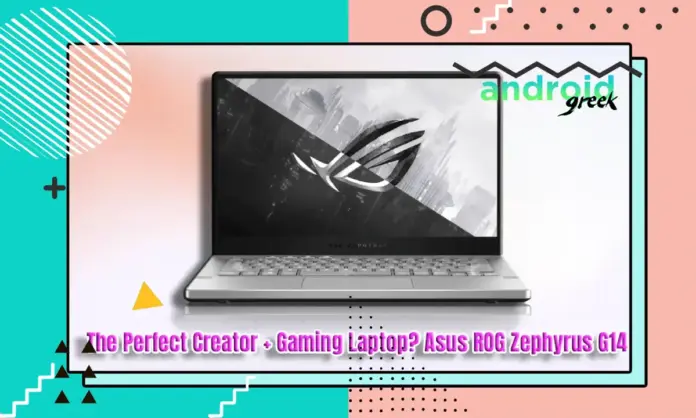
The Perfect Creator + Lightweight Gaming Laptop? Asus ROG Zephyrus G14
In this guide Asus ROG Zephyrus G14 is a perfect balance of three key factors, i.e., elite-level performance, ultra-portable design, and creator-focused innovation. It...
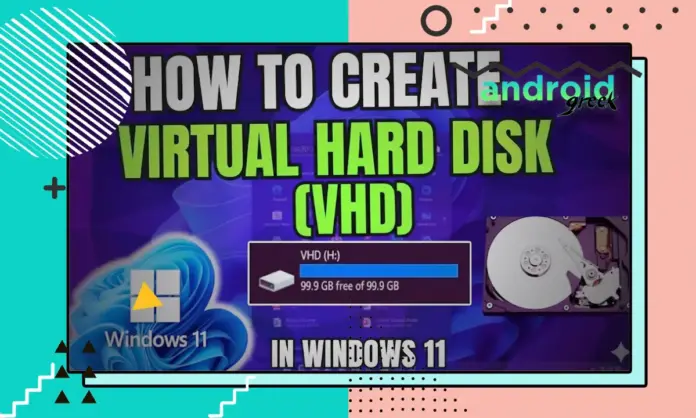
How to Create Virtual Hard Disk (VHD) In Windows 11
in this guide Working with VHDs and VHDXs (Virtual Hard Disk) is a must-have capability of system administrators, IT experts, and technically advanced users...
How to take screenshots in Windows 10 Simple Ways to Take...
Windows' latest operating system is Windows 10 from Microsoft for laptops and desktops. Take A Screen Special Features for Windows. You can easily take...

How you can create a YouTube playlist on a mobile device...
YouTube is a global video content website across the planet Earth. However, you will find all significant videos, such as music, movies, and tutorials,...

How to create filters in Gmail using the Gmail app
Gmail is a mailing service through which one user can transmit videos, songs, and all other relevant facts to another user across the planet...
How to Transfer Files at Warp Speed Using TeamViewer 12/13 File...
If you ever wanted to transfer any of your files from one PC to another, you needed to do it quickly. You can quickly...

How to Create Memes on Microsoft Teams
Memes are one of the most common ways to be Harilaos on social media. There are various ways to create memes using any image...
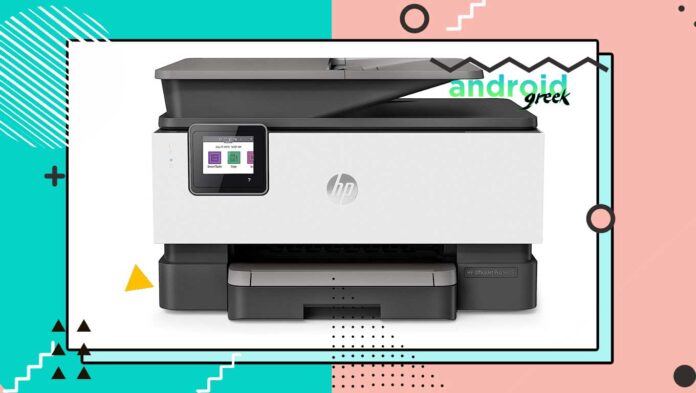
Download and update the HP OfficeJet Pro 9015 Printer Driver.
If you are using HP OfficeJet Pro 2015, then you must update and install the driver on your computer. Therefore, today we are going...